Image
Bria Resolution Upscale
Credit-based pricing. Supports reference images.
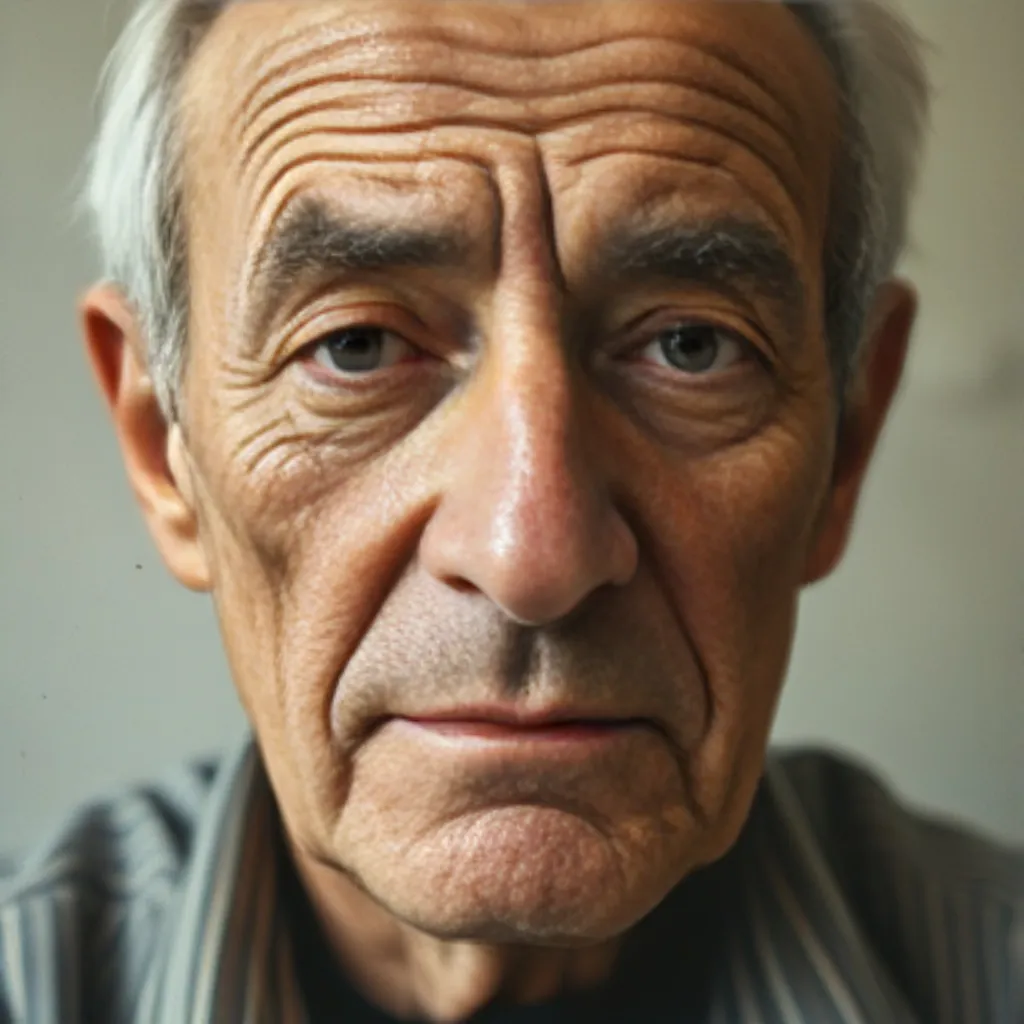
Output
image
Inputs
- Reference image (required)
Example prompt
Upload a photo — choose 2x or 4x resolution enlargement while preserving its alpha channel.Try this prompt →
LLM-ready
API & LLM schema
Exact request contract for this model. Agents can fetch it from /api/v1/models?id=bria/fibo-edit/restore.
POST
/api/v1/generate10 fields · 2 required| Field | Type | Requirement | Contract |
|---|---|---|---|
model_id | constant | Required | ArtEmotion model identifier. |
extra | object | Optional | Model-specific settings may also be nested here. |
max_credits | number | Optional | Reject before submission if the estimated list price exceeds this cap. · Range: 1–… |
webhook_url | string | Optional | Format: uri |
webhook_secret | string | Optional | Optional model input. |
folder_id | string | Optional | Optional model input. |
prompt | string | Optional | Optional model input. |
desired_increase | number | Optional | How much to increase the resolution — up to a total output of 8192x8192 pixels. · Allowed: 2, 4 · Default: 2 |
preserve_alpha | boolean | Optional | When enabled, preserves the alpha channel of the input image. Bria's API default. · Default: true |
reference_image_url | string | Required | Format: uri |
Minimal request example
{
  "model_id": "bria/fibo-edit/restore",
  "reference_image_url": "https://example.com/reference_image"
}
Raw JSON Schema
{
  "$schema": "https://json-schema.org/draft/2020-12/schema",
  "$id": "https://www.artemotion.ai/api/v1/models?id=bria%2Ffibo-edit%2Frestore",
  "title": "Bria Resolution Upscale generation request",
  "description": "Request body accepted by POST /api/v1/generate for bria/fibo-edit/restore.",
  "type": "object",
  "properties": {
    "model_id": {
      "type": "string",
      "const": "bria/fibo-edit/restore",
      "description": "ArtEmotion model identifier."
    },
    "extra": {
      "type": "object",
      "additionalProperties": true,
      "description": "Model-specific settings may also be nested here."
    },
    "max_credits": {
      "type": "number",
      "minimum": 1,
      "description": "Reject before submission if the estimated list price exceeds this cap."
    },
    "webhook_url": {
      "type": "string",
      "format": "uri",
      "maxLength": 2048
    },
    "webhook_secret": {
      "type": "string",
      "maxLength": 512
    },
    "folder_id": {
      "type": "string"
    },
    "prompt": {
      "type": "string"
    },
    "desired_increase": {
      "title": "Resolution Multiplier",
      "description": "How much to increase the resolution — up to a total output of 8192x8192 pixels.",
      "default": "2",
      "type": "number",
      "enum": [
        2,
        4
      ]
    },
    "preserve_alpha": {
      "title": "Preserve Alpha",
      "description": "When enabled, preserves the alpha channel of the input image. Bria's API default.",
      "default": true,
      "type": "boolean"
    },
    "reference_image_url": {
      "type": "string",
      "format": "uri"
    }
  },
  "required": [
    "model_id",
    "reference_image_url"
  ],
  "additionalProperties": false
}FAQ
How much does Bria Resolution Upscale cost on ArtEmotion?
Credit-based pricing. You pay in ArtEmotion credits — every plan and top-up converts USD to credits at a fixed rate.
Do I get my credits back if Bria Resolution Upscale fails?
Yes — failed generations are never charged. The credits are released back to your balance automatically.
Can I call Bria Resolution Upscale from the API?
Yes. Use POST /api/v1/generate with model_id: "bria/fibo-edit/restore". See the API reference for the full schema.
Where are my generations stored?
Every output is saved to your personal Library. You can export or delete everything any time from Privacy & deletion.
Ready to generate with Bria Resolution Upscale?
Start now →No commitment. New accounts get 50 free credits on signup. See pricing.